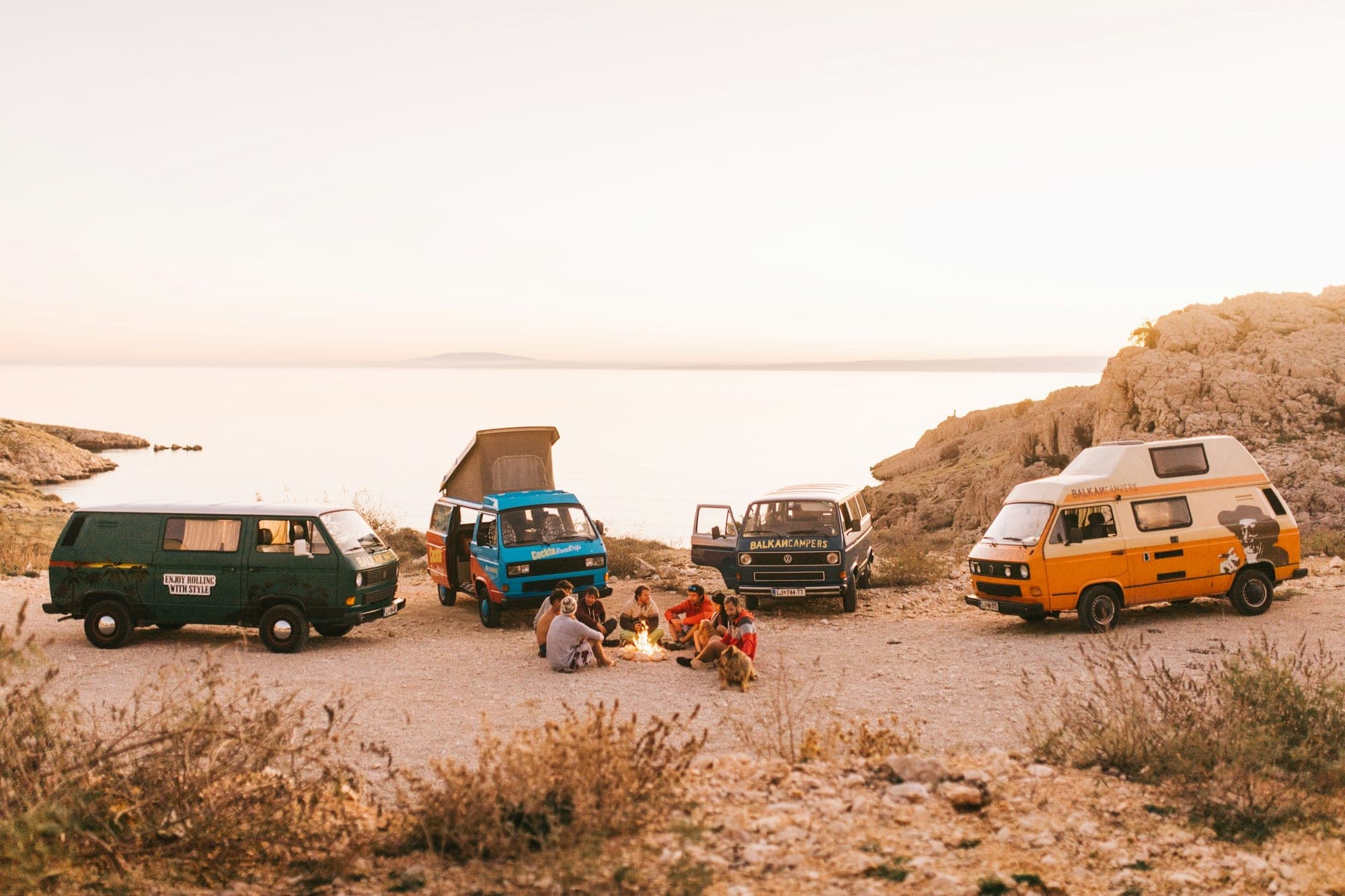
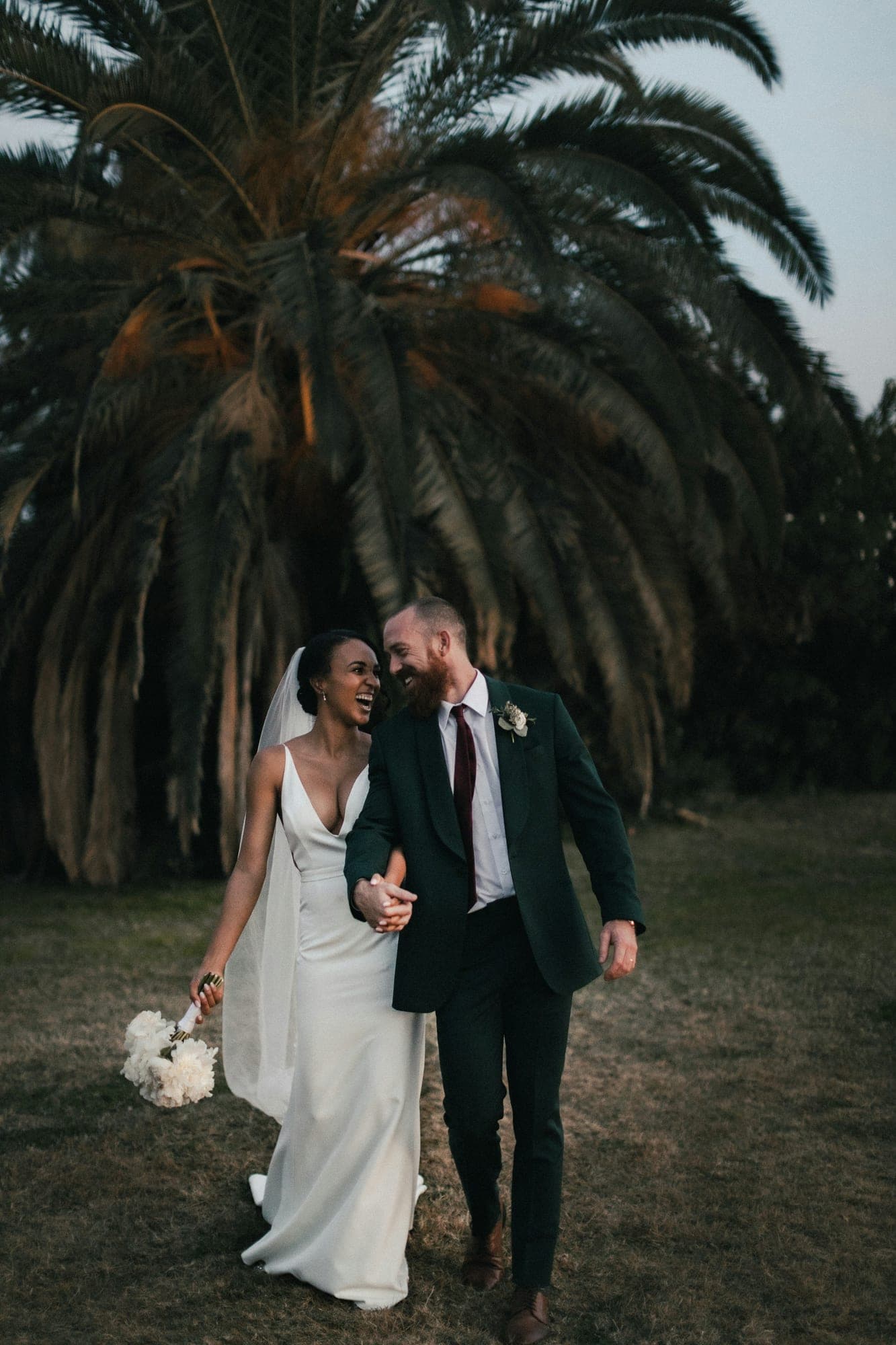
Made for travel photos
Story and masonry layouts give big views room and keep portrait and landscape shots in their real shape.
Postcards for the people back home
Parents and grandparents want to see the trip; you want to be on it. Put the best photos in one album with a few captions, send one link, and turn it into a photo book when you are back.
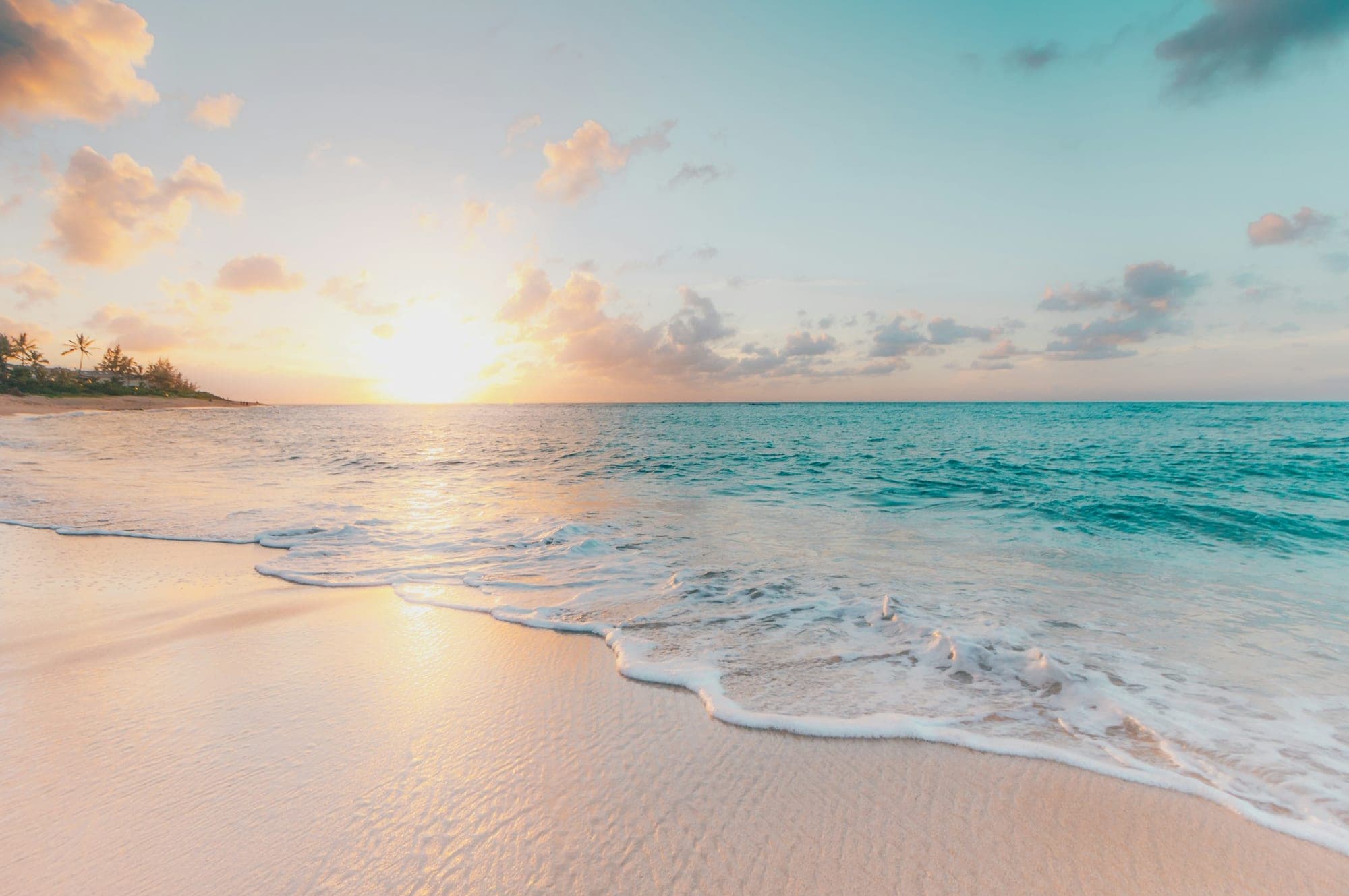
Every part of the story
A good album follows the shape of the day. Use these as a starting point for choosing and ordering your photos.
A practical guide
The family group chat will ask for photos on the first day. Instead of sending pictures one by one, create a single album and share its link once. Add a handful of photos every few days from your phone, and everyone who opens the link sees the latest ones. The rest of the time, the phone can stay in your bag.
Captions do the work of the postcards you won’t write: the name of the island, the restaurant where you got caught in the rain, the boat trip at sunrise. Order the album by day or by place, and keep it to the photos you would actually show someone; the full camera roll can stay with the two of you.
Honeymoon photos are personal, so choose who sees them. An unlisted album only opens for people with the link, and a password adds a second lock. When you are home, make a photo book from the album as a keepsake for yourselves, or as a thank-you for the parents who helped with the wedding.
Why ImageAlbums
Your album opens in any browser, looks right on phones and stays out of search engines unless you choose otherwise.
Story and masonry layouts give big views room and keep portrait and landscape shots in their real shape.
Albums are unlisted and kept out of search engines, and location data is removed from every photo. Add a password if you like.
Make a printable photo book from the same album, with a theme such as Ocean Breeze or Romantic and a QR code on the back.
How it works
Create a free account, pick the travel look, add a title and a cover photo, and send the link to the family.
Upload a few favourites every couple of days with a short caption about where you are.
Put the album in order, choose a photo book theme and download a print-ready PDF.
Albums are unlisted, so only people with the link can open them, and they stay out of search engines. Add a password, or keep the album private until you’re ready to share it.
No. Location data is removed from every photo when it’s uploaded. Mention a place in a caption only if you want to.
Yes. The album builder works in your phone’s browser, and iPhone HEIC photos are supported, up to 10 MB each.
A free album holds up to 50 photos, and you can have 3 albums. With Pro, or an Event pass for 30 days of Pro, albums and photos are unlimited.
Explore more occasions
One album for the family now, and a photo book for the two of you later.
Start your album