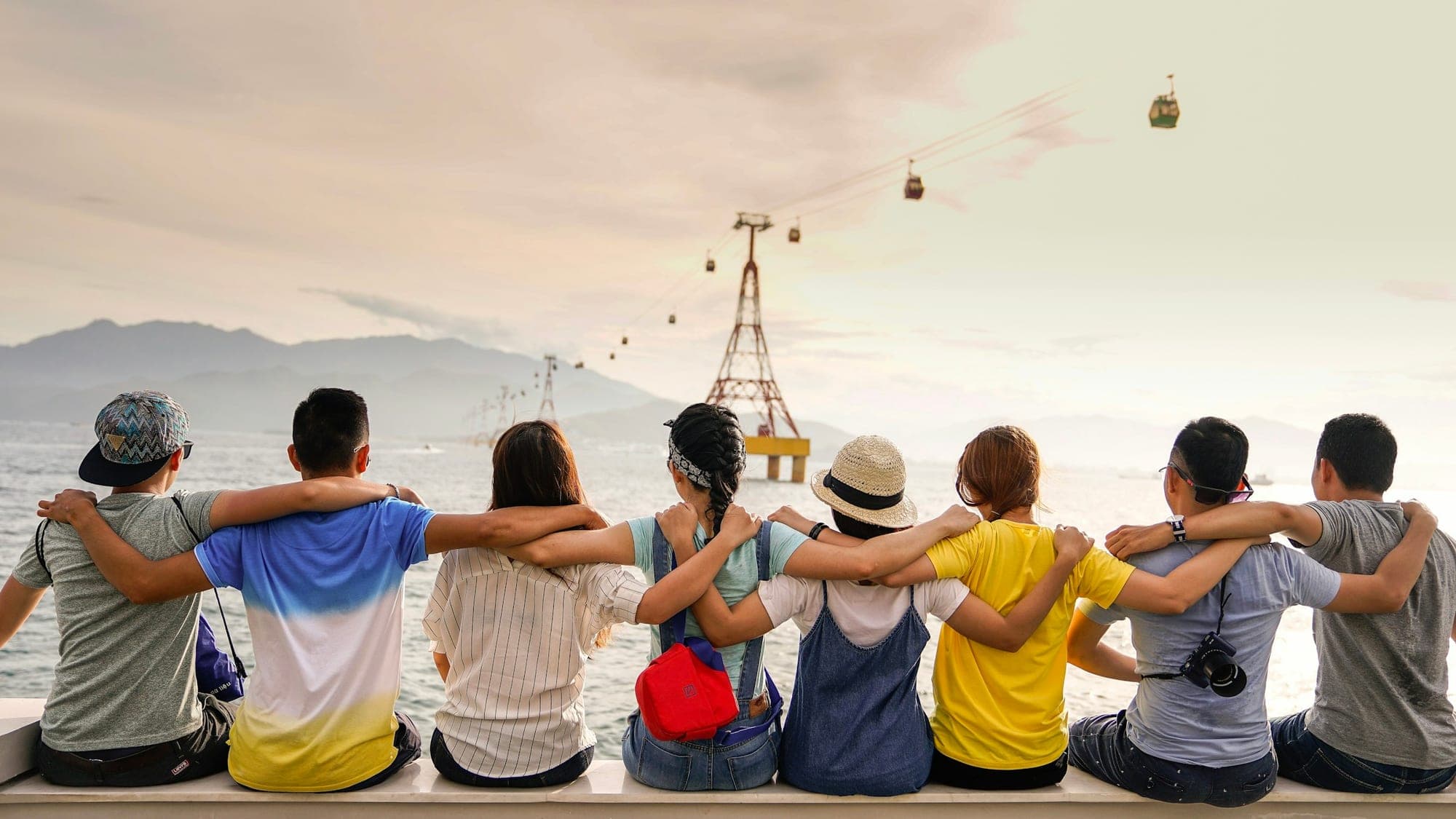
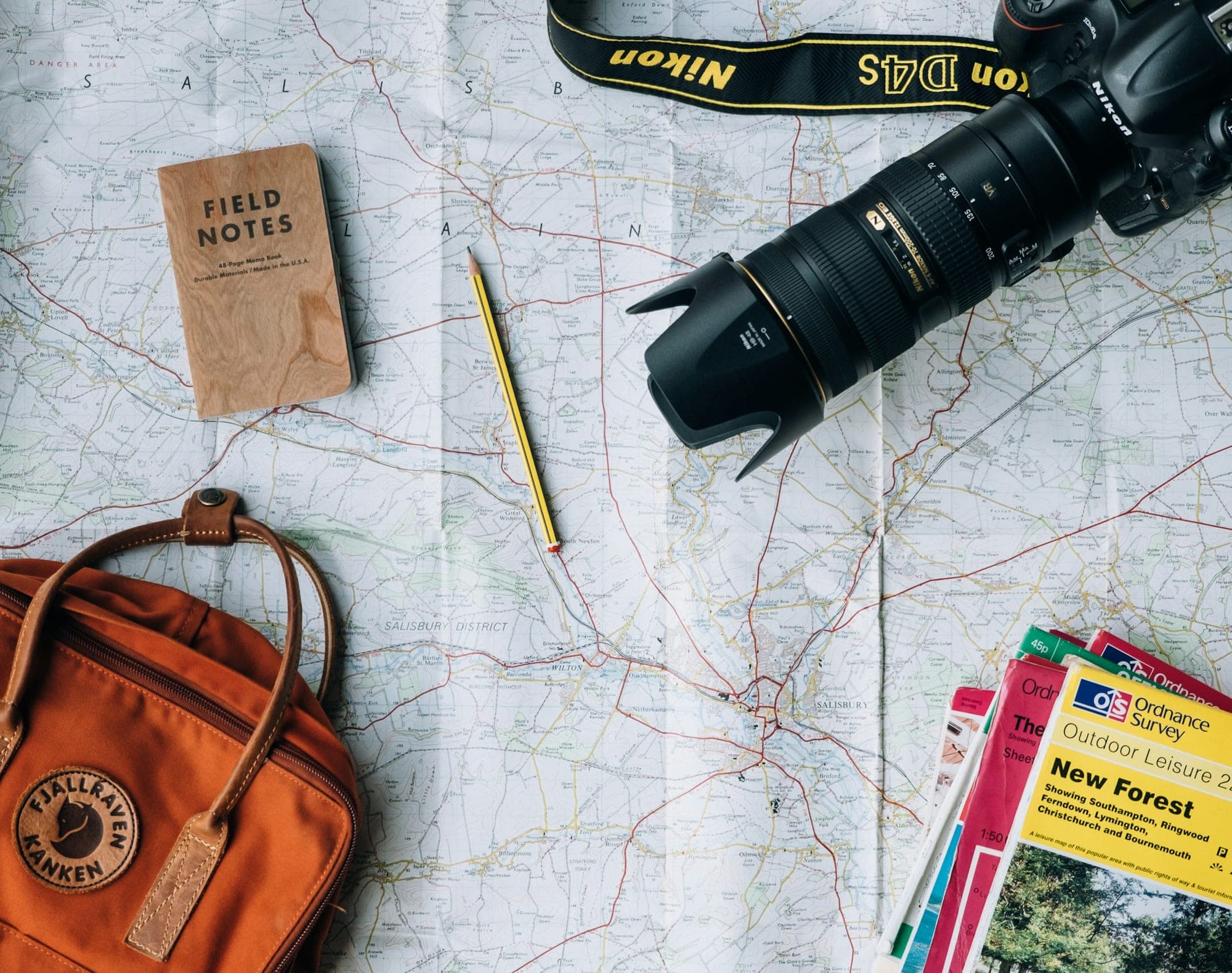
A story, not a camera roll
Choose the best shots, put them in order and add a line or two about each place. Your trip reads like a journey.
Every stop, one link
Turn a trip into an album that reads like a story: big landscapes, short captions, day by day. Share one link with everyone who travelled with you, and print the best of it as a photo book.

Every part of the story
A good album follows the shape of the day. Use these as a starting point for choosing and ordering your photos.
A practical guide
Most trips produce hundreds of photos and a handful that matter. Start by picking one strong photo per moment: the view from the first hotel window, the meal you still talk about, the sunset you nearly missed. Thirty to sixty well-chosen photos make a better album than four hundred near-duplicates.
Order the album by day or by place, and use captions for what the photos can’t show: the name of the café, the weather, the thing that went wrong and made the day memorable. Send the link to everyone you travelled with, and keep it for the next trip’s planning.
Why ImageAlbums
Your album opens in any browser, looks right on phones and stays out of search engines unless you choose otherwise.
Choose the best shots, put them in order and add a line or two about each place. Your trip reads like a journey.
Story, masonry and full-photo layouts give landscapes the room they deserve on any screen.
Make a printable photo book from the same album, with a QR code on the back that opens every photo from the trip.
How it works
Choose a few photos per day or per place, including people, not only views.
Use the story layout, add a title, dates and short captions.
Send one link to your travel companions and make a photo book of the highlights.
FAQ
Up to 100 photos per album. For a long trip, make one album per country or per week.
No. Location data is removed from every photo when it’s uploaded, so your album doesn’t reveal where you stayed.
Yes. Make a photo book from the album, choose a theme such as Ocean Breeze or Film, and download a print-ready PDF.
Explore more occasions
Share your travel story with one link, and keep the best of it on paper.
Start your album