A guest book photo book, photos and wishes together
Guests leave their wishes in your online album’s guestbook, from a QR code on the tables or the link you share. You approve the messages you want, and they’re printed in your book next to the photos of the day.
- 10 themes
- 10 page layouts
- Print-ready PDF
- No account to start
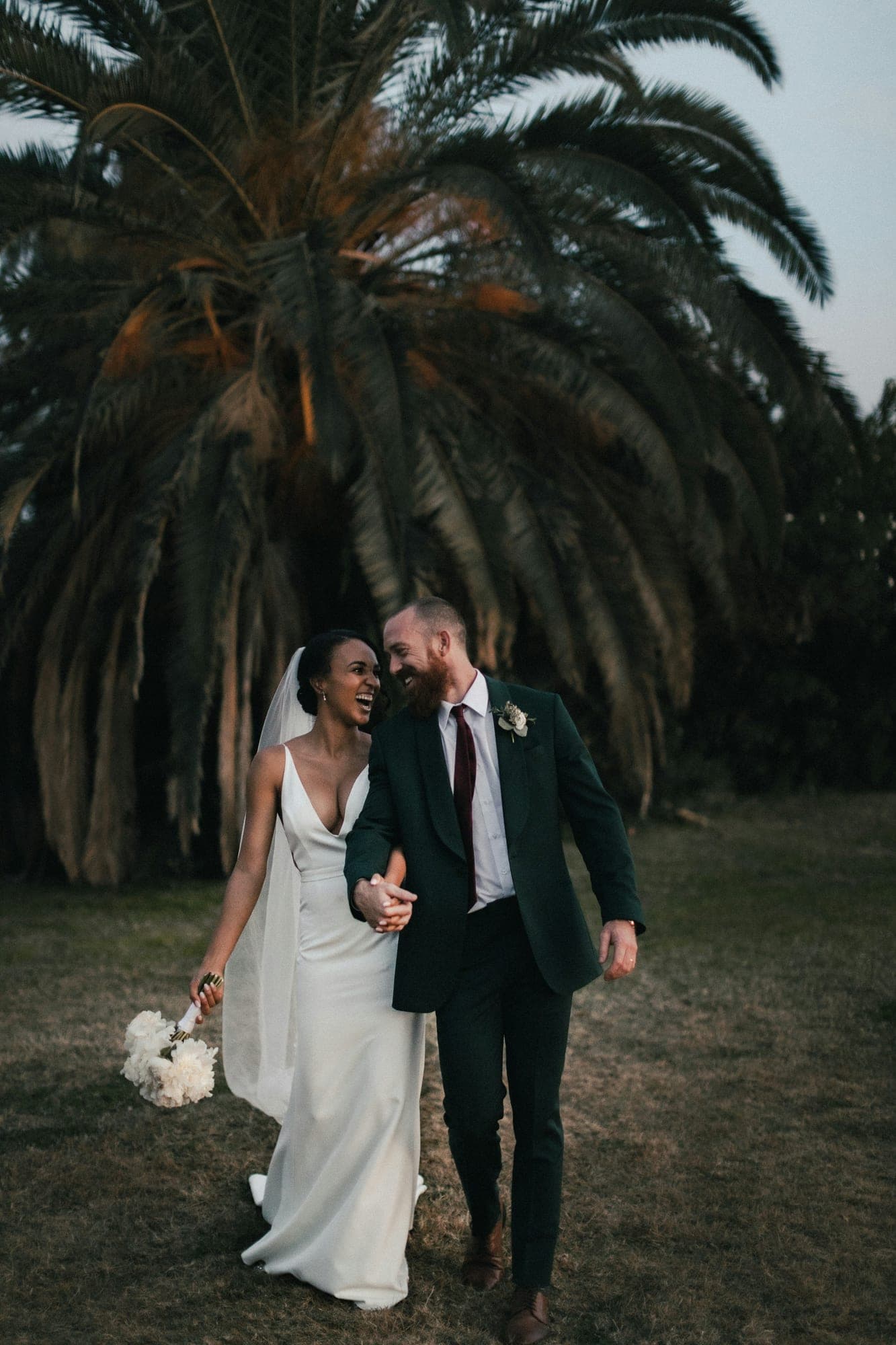


From photos to printed pages in three steps
1. Add your photos
Upload new photos, or start from an album you already made.
2. Pick a theme
The pages fill themselves. Swap layouts, move photos and edit the text.
3. Download the PDF
Print at home or send it to any print shop. Bleed and fonts are included.
How guests leave a message
Turn on the guestbook in your album. Guests open the album from your link or the QR code on the tables and write a message with their name. They don’t need an app or an account. New messages wait for your approval, so nothing appears without you seeing it first.
How the messages are printed
Every book has a guestbook page in your chosen theme. It prints the four newest messages you’ve approved, each with the guest’s name. The rest of the book holds your photos, and the back cover has a QR code that opens the full online album and guestbook.
10 themes, made for print
Each one matches an album theme, so your book and your online album look alike.
 Emma & LiamOUR GUEST BOOK
Classic
- Emma & LiamOUR GUEST BOOK
Romantic
- Emma & LiamOUR GUEST BOOK
Garden
- Emma & LiamOUR GUEST BOOK
Celebration
- Emma & LiamOUR GUEST BOOK
Film
- Emma & LiamOUR GUEST BOOK
Mono
- Emma & LiamOUR GUEST BOOK
Violet Luxe
- Emma & LiamOUR GUEST BOOK
Ocean Breeze
- Emma & LiamOUR GUEST BOOK
Sunset Gold
- Emma & LiamOUR GUEST BOOK
Cyber Dark
Only on ImageAlbums
A book that remembers who was there
Guestbook messages from your online album become a printed page. The back cover carries a QR code, so anyone holding the book can open every photo online.

10 page layouts
Mix them freely. Every theme works with every layout.
Full bleed
Framed
Side by side
Stacked
One + two
Grid of four
Collage
Photo + story
Instant
Text page
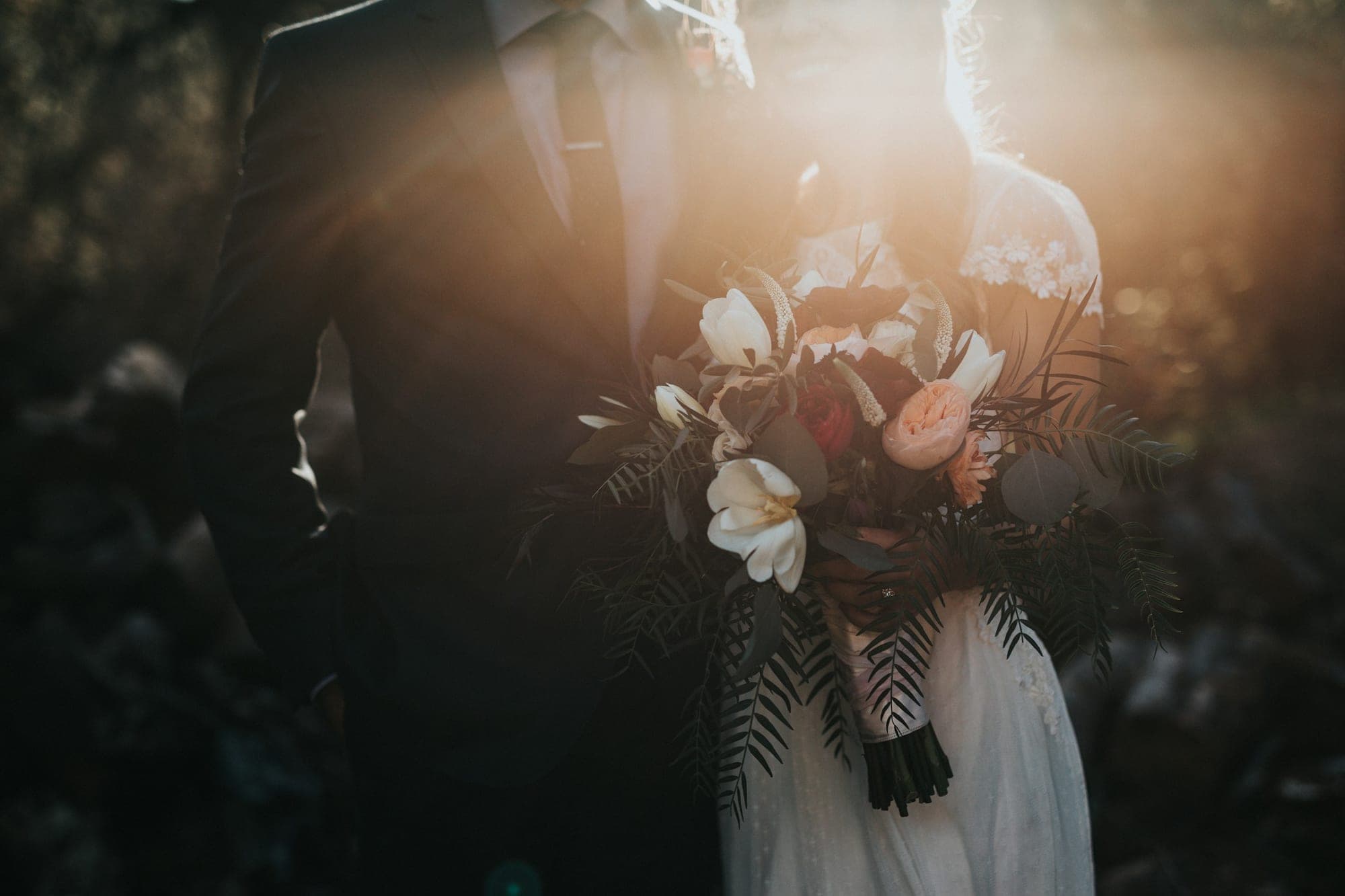
A guest book book, page by page
- 2
- Your wishesThank you for every hug, every dance and every word you wrote for us.3
 4
- 5
Books for every occasion
- Wedding photo book
- Baby’s first year photo book
- Travel photo book
- Birthday photo book
- Graduation photo book
More about photo books
Getting more messages
Put the QR code on the tables
Print table cards from your album; guests scan and write while they wait for dinner.
Turn approval on
You read every message first and choose which ones appear and print.
Add a thank-you page
Use a text page for your own words to everyone who came.
Questions
- How many messages fit in the book?
- The guestbook page prints the four newest approved messages. Approve the ones you want printed; you can add more wishes on a text page in your own words.
- Do guests need an app or an account?
- No. They open your album in any phone browser and write their message.
- Is the photo book free?
- Yes. Designing the book and downloading the print-ready PDF are free with a free ImageAlbums account.
- Can a print shop use the PDF?
- Yes. Pages can include 3 mm bleed, fonts are embedded and photos are placed at print resolution. Most shops accept it as it is.
- Do I need an album first?
- No. Upload your photos and we make the online album and the book together. If you already have an album, start from it.
- How many pages can a book have?
- Books start at 10 pages: cover, dedication, six photo pages, a guestbook page and a back cover. Add pages up to 40.
- Which sizes are available?
- A 20 × 20 cm square, the classic photo-book size, and A4 portrait for printing at home.
- Why do I need an account to download?
- Your book is saved to your account, so you can come back, change it and download it again. Signing up takes a few seconds and is free.
Your photos deserve paper.
Make a photo book in minutes. Free to start, no account needed until you download.
Make your photo book