In the order it happened
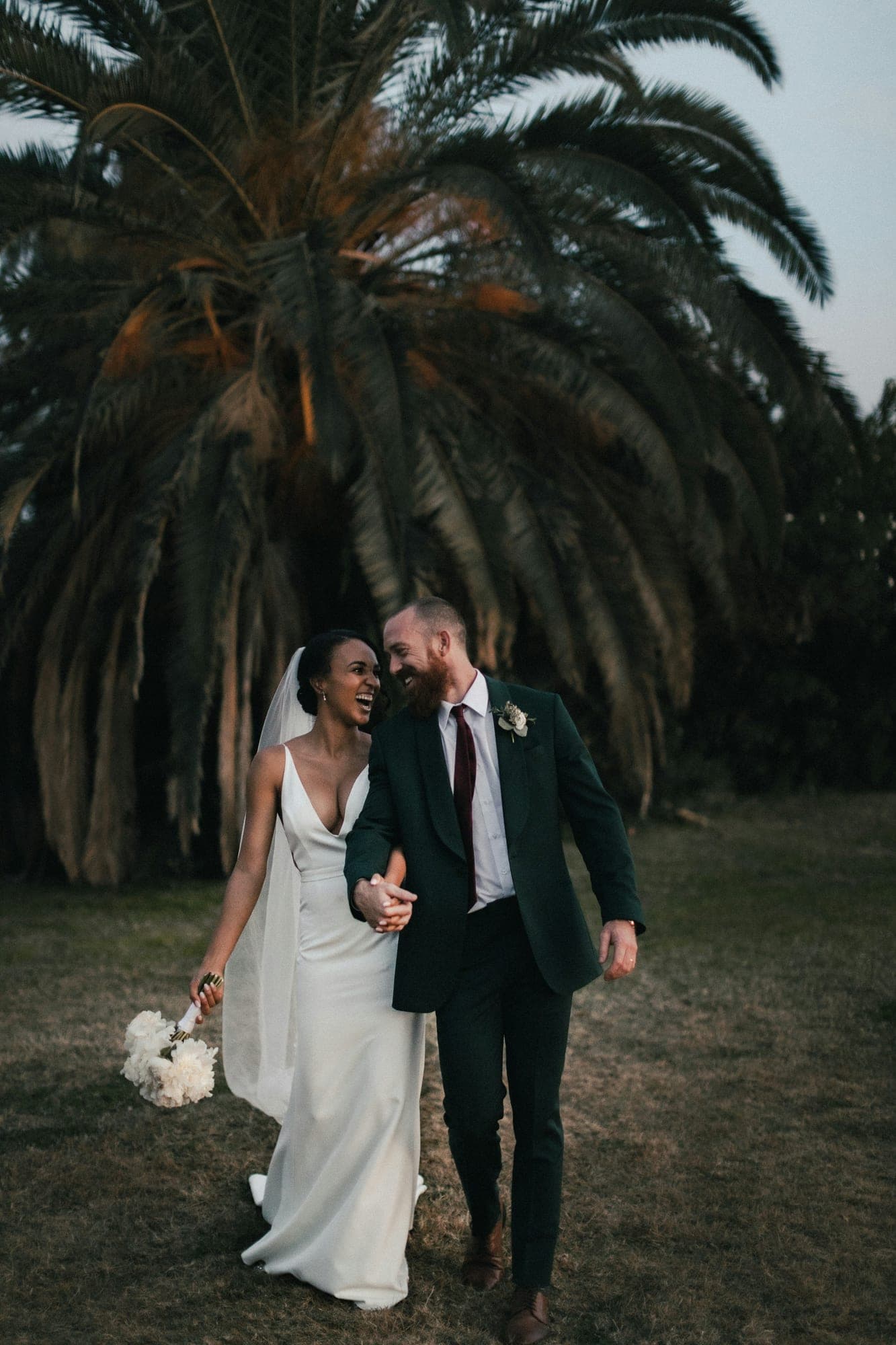
Arrange the photos day by day and open each part with a captioned photo, so guests always know where they are in the weekend.
From Friday welcome to Sunday brunch
Destination weddings and long weekends have several events with the same guests at each. Keep the welcome party, rehearsal dinner, ceremony, reception and farewell brunch in one album, in order, behind one link and QR code.
Every part of the story
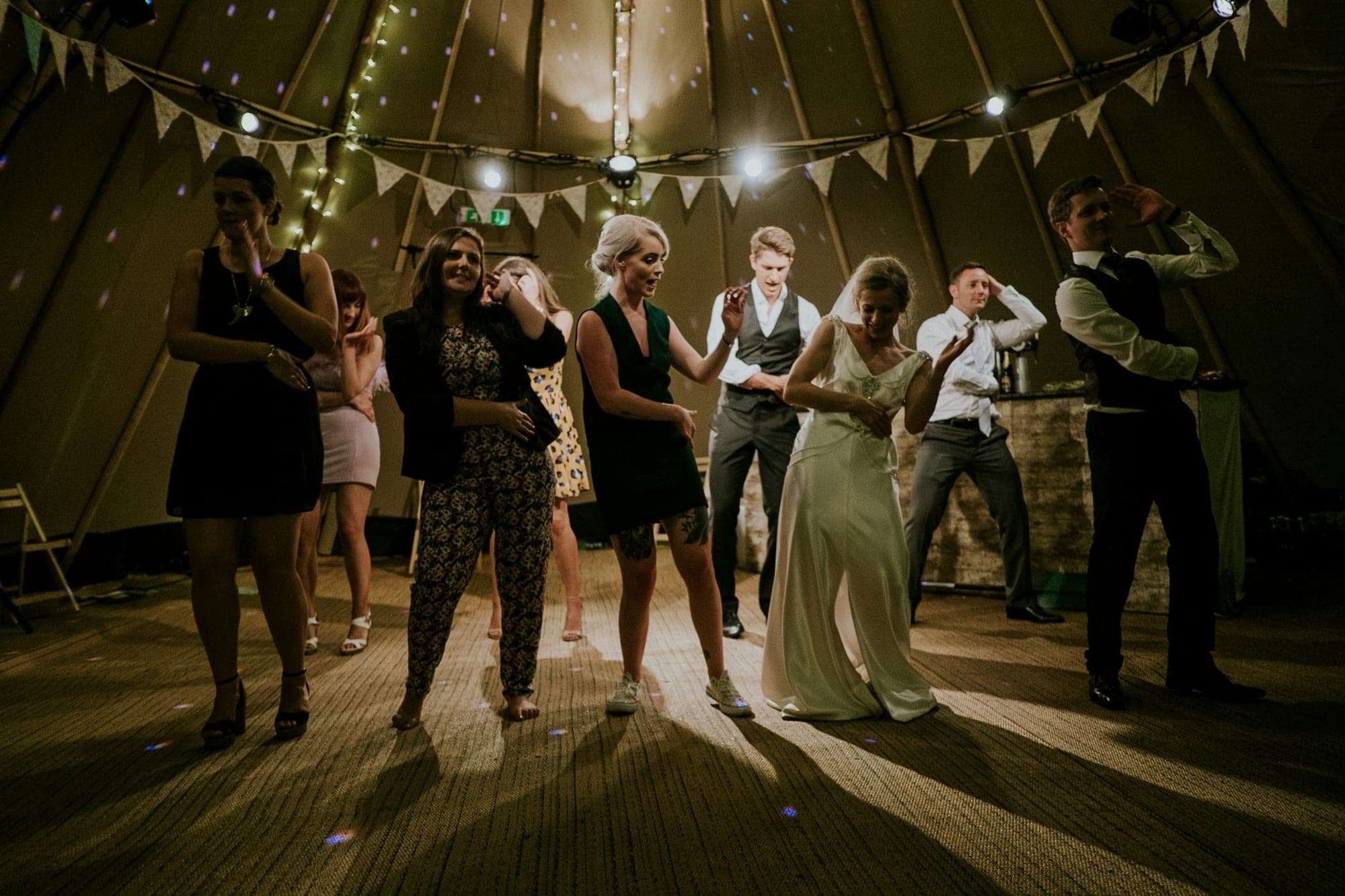
A good album follows the shape of the day. Use these as a starting point for choosing and ordering your photos.
A practical guide
A weekend wedding produces photos from several places and several people: a friend’s phone at the welcome drinks, a cousin at the rehearsal dinner, the photographer on the day itself. Decide early who collects them. One person, usually the couple or an organised friend, gathers the best shots and adds them to one album, so guests have one link instead of five.
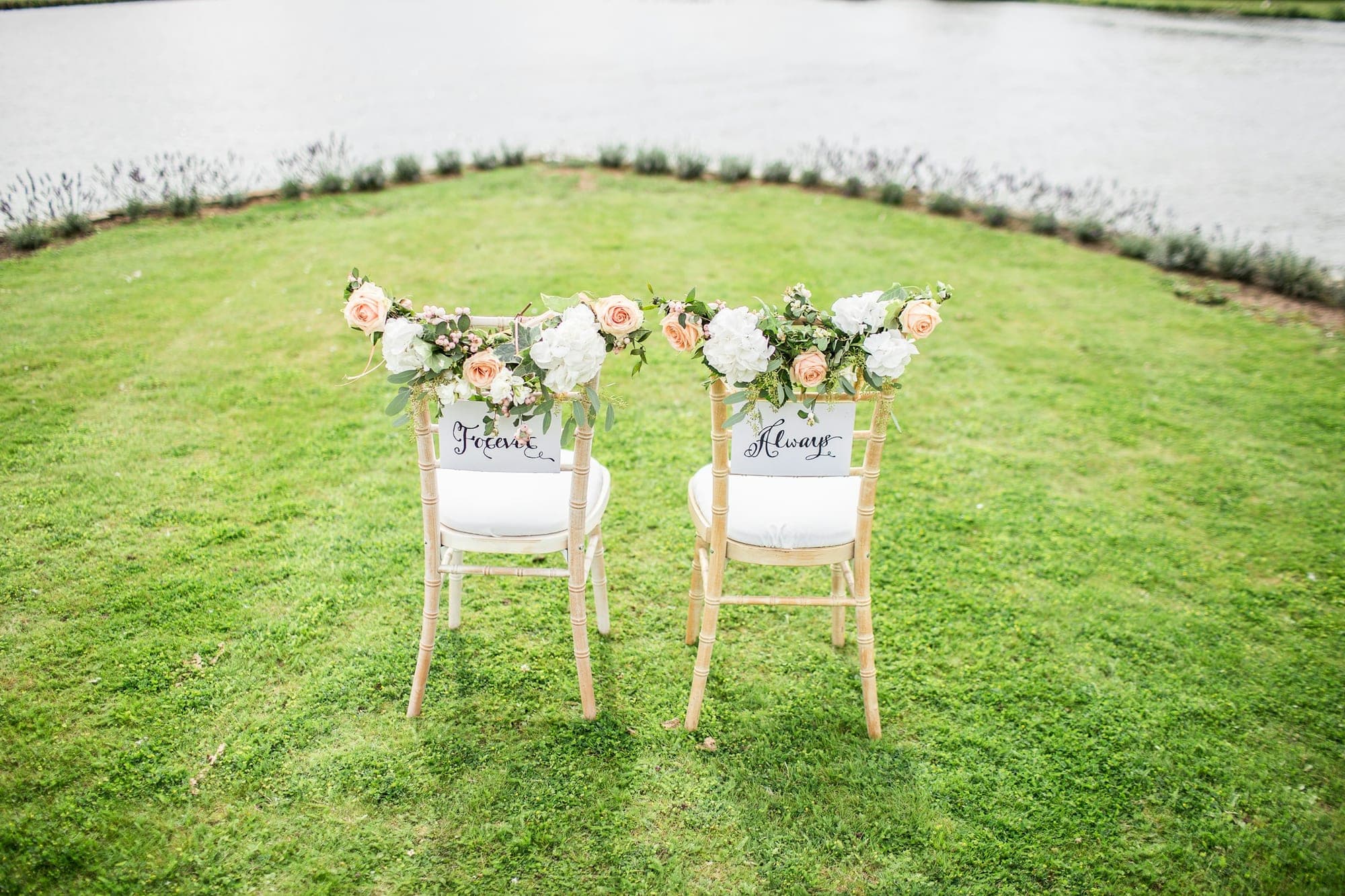
Keep the album in the order of the weekend. An album is one sequence of photos, so use the first photo of each part as a title card: a clear photo with a caption such as “Friday: welcome party” or “Sunday: farewell brunch”. The story layout shows captions large, which makes the days easy to follow.
Use each event to share the link. Put QR cards on the tables at the welcome party so guests have the album from the first evening, play the live slideshow at the reception with the earlier days already in it, and put the cards out again at brunch. After the weekend, add the photographer’s selection, and everyone who scanned on Friday finds it on the same link.
Why ImageAlbums
Your album opens in any browser, looks right on phones and stays out of search engines unless you choose otherwise.
Arrange the photos day by day and open each part with a captioned photo, so guests always know where they are in the weekend.
Print cards in your album’s style once and use them at the welcome party, the dinner tables and the brunch. The code always opens the latest photos.
Show the welcome party and rehearsal photos on a TV during the reception; photos you add that evening join within seconds.
How it works
Pick the wedding look, add your names and the dates, and print the QR cards.
Upload the best photos from each part, starting with a captioned photo, in the order of the weekend.
Run the slideshow at the reception and send the link to everyone after brunch.
One album is easier for guests: one link and one QR code for the whole weekend. If each event has a lot of photos, an album per day also works; send all the links together in one message.
Not directly. Guests view and download photos, sign the guestbook and watch the slideshow. Ask them to send you their best shots, and add them to the album yourself.
Up to 50 on the free plan. A whole weekend often has more, so Pro, or a one-off Event pass at $3.99 for 30 days of Pro, gives you unlimited photos and albums.
Yes. Open the live slideshow on a TV or projector; it plays full screen, and photos you add during the evening appear within seconds.
Explore more occasions
Keep the whole wedding weekend in order and share it with everyone who came.
Start your album