Guide
How to set up a QR code for your wedding photos
What the code should open, where to put it, and how to gather the photos your guests took on their phones.
Updated
Decide what the QR code is for
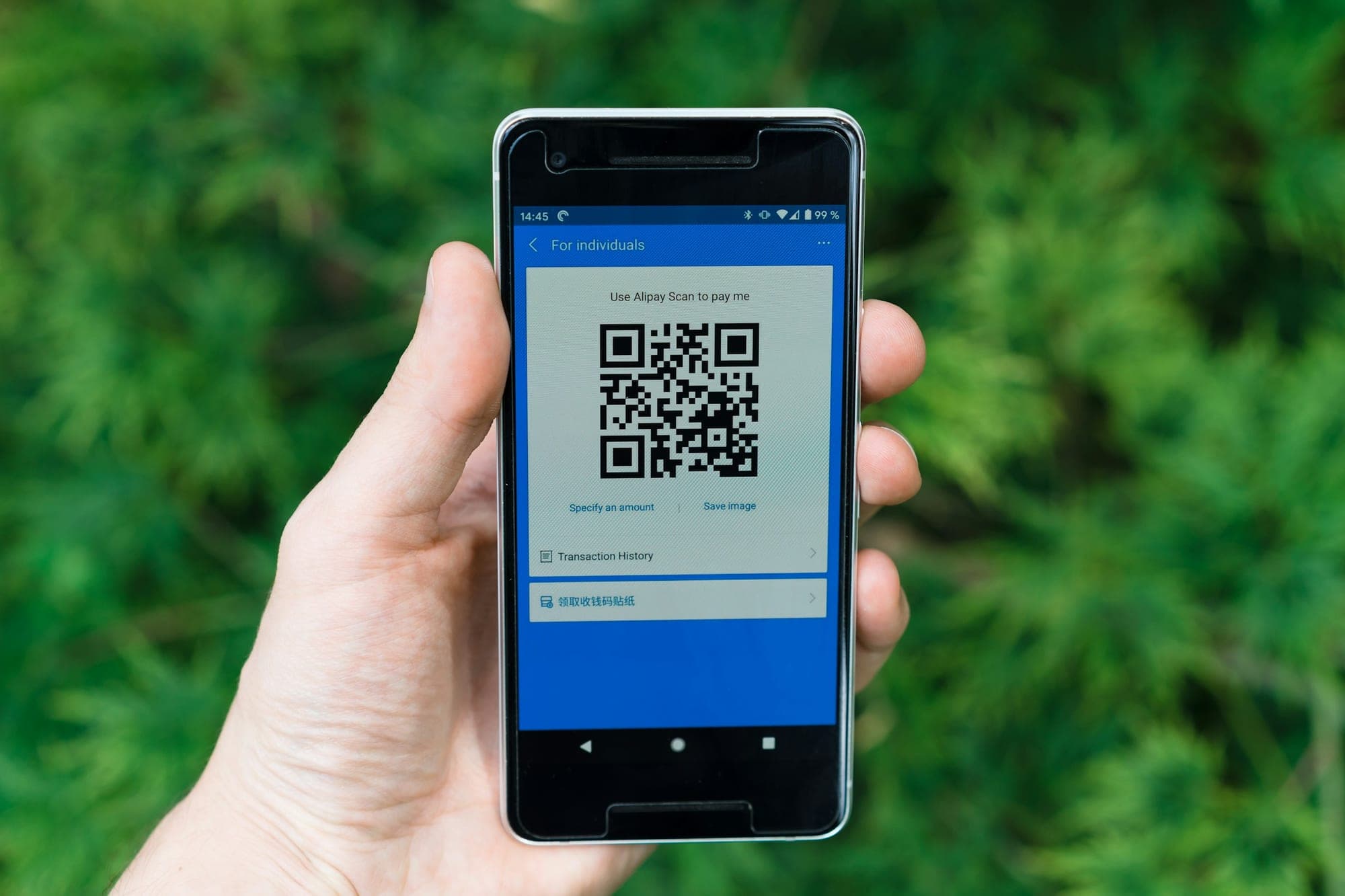
A QR code on the tables is a shortcut to one place: your wedding album. Guests point their phone camera at it and the album opens in the browser. Nobody needs an app or an account, and nobody has to dig through a group chat for a link that was posted weeks ago.
Be clear about what you want the code to do before you print anything. Some tools turn the code into an upload box that anyone can add to. Others, including ImageAlbums, open an album that you control: guests look through the photos, download them if you allow it, sign the guestbook and watch the slideshow, but they don’t add photos themselves. That is a real trade-off. An open upload box collects more photos; an album you curate only ever shows the photos you chose, so nothing blurry, unflattering or private appears on the reception screen by surprise.
Set the album up a week or two before the day
Printed cards need a working link, so build the album first and order the cards with the rest of your stationery.
- Give the album a clear title with your names and the date, so it is easy to recognise when someone finds the link again in a year.
- Choose a cover photo. An engagement photo works well until the wedding photos arrive, and you can change it later without reprinting anything.
- Pick a layout. A story or magazine layout suits a wedding told in order; a masonry or grid layout suits a big mix of guest snapshots.
- Choose the privacy setting: unlisted for most weddings, password-protected if the link may travel further than your guest list.
- Turn on the guestbook, so guests who scan have something to do even before the photos are in.
Plan what guests see when they scan
Guests will scan the code at dinner, long before any wedding photos exist. An empty page feels broken, so give them something: a few engagement photos, a welcome screen with a line like “Photos from today will appear here tonight”, and the guestbook open for messages.
If you have a screen at the reception, run the album as a live slideshow. Photos you or a friend add during the evening appear on the screen as they are added, and the album on every guest’s phone fills up at the same time. After the wedding, add your favourites from the day within a few days, then the photographer’s highlights when they arrive. The code never changes, so the cards keep working.
Put the code where people stop
Print the code at least 3 cm (just over an inch) across, dark on a white background, with a clear margin around it. Write one line above it that says what it opens, such as “Scan to see our wedding photos”, and print one test card and scan it with an iPhone and an Android phone before printing the rest.
- One card per dinner table, where guests sit with their phones out between courses.
- The bar, the welcome sign and the guestbook table, where people wait.
- Your thank-you cards after the wedding, for anyone who missed it on the day.
Collect the photos your guests take
Your guests will take hundreds of photos you will never see unless you ask. Since the album shows what you add, plan how those photos reach you, then pick the best and add them yourself.
- Add a line to the table card or the welcome sign: “Took a great photo? Send it to us” with an email address or the name of a friend who is collecting them.
- Ask one organised friend to be the photo collector, so you are not chasing people during your first week of marriage.
- Ask for the original files, not screenshots or photos saved from a chat app, which are often compressed. Sharing as a file, by email, or through a shared cloud folder keeps the full quality.
- Give a deadline, such as “by Sunday”, so the photos arrive while you still have time to sort them.
Setting it up with ImageAlbums
ImageAlbums covers the whole set-up for free: an album with up to 50 photos, ten layouts, a welcome screen, unlisted or password-protected sharing, a guestbook where you approve messages before they appear, a live slideshow for the reception screen, and a printable QR table card in your album’s colours, as one large sign or four cards per A4 sheet. Location data is removed from every photo you upload.
Weddings often outgrow 50 photos once the photographer’s set arrives. If yours does, the Event pass gives you every Pro feature, including unlimited photos and a custom album address, for 30 days for a one-off $3.99, with no subscription. When it ends, the album stays online.