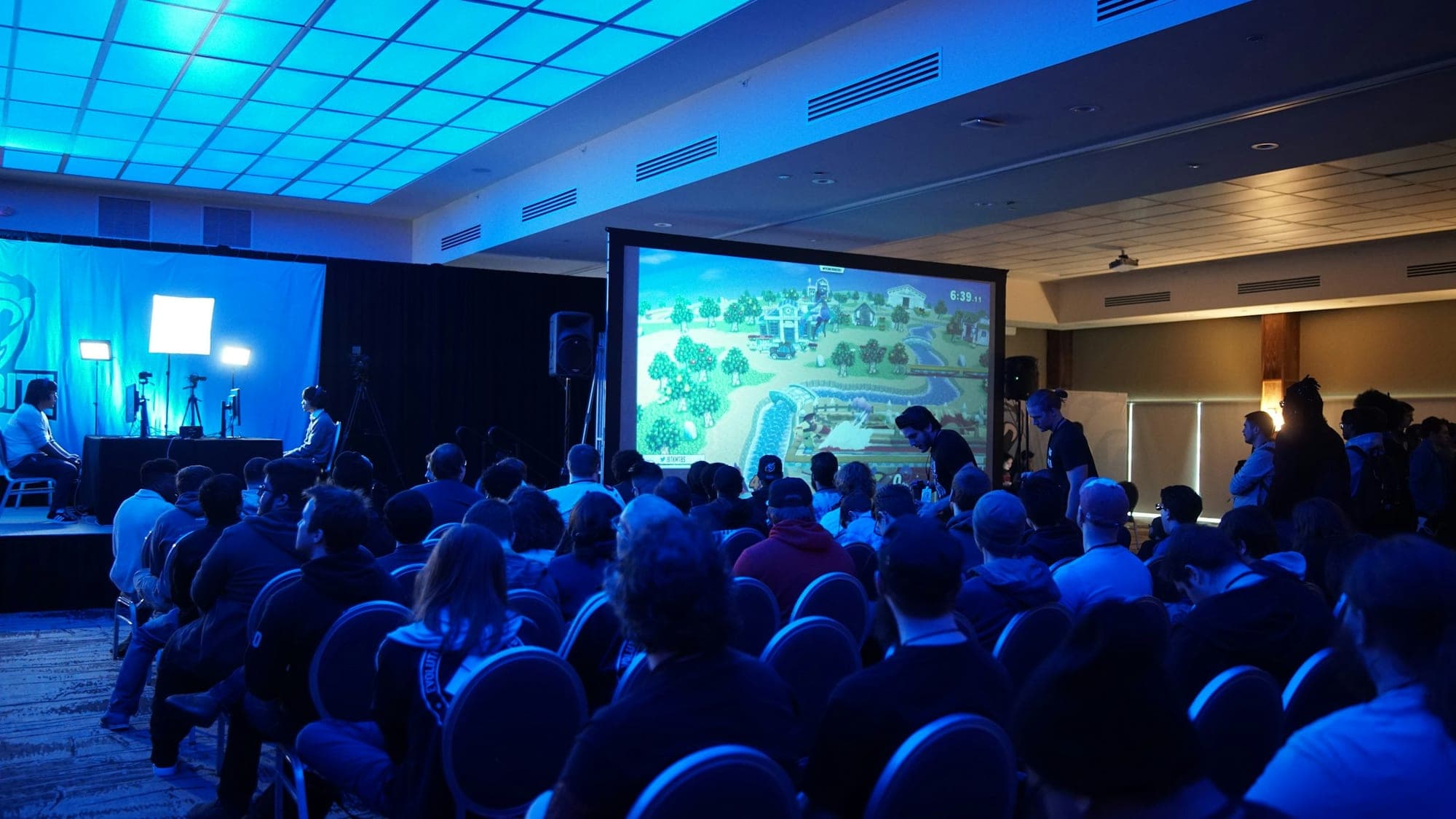
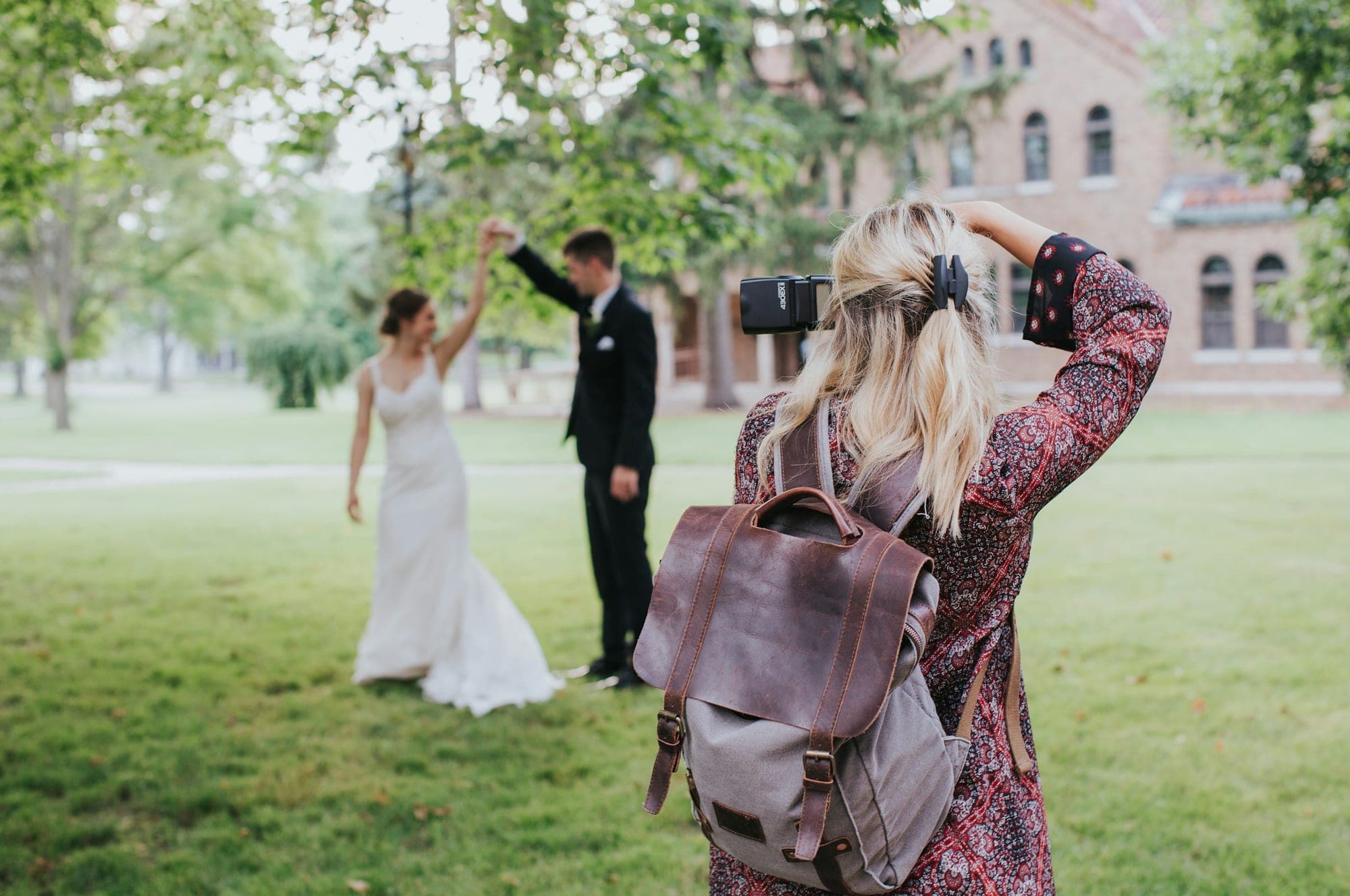
A gallery per event
Each event gets its own album, link and QR code, so guests only see their party’s photos. Albums are unlisted and stay out of search engines.
For booth operators and party hosts
Upload the booth photos to one album per event, put its QR code on the booth or the print strip, and guests find every shot on their phones. Operators can show their own logo instead of ours with Pro.

Every part of the story
A good album follows the shape of the day. Use these as a starting point for choosing and ordering your photos.
A practical guide
ImageAlbums is not photo booth software. It doesn’t take the pictures, print the strips or connect to your booth automatically. It handles the part after the shot: a good-looking gallery where guests find their photos. You export the photos from the booth and upload them to the event’s album in your browser, in batches during the event or all at once afterwards.
Guests need a way to get there. Download the album’s QR code as a PNG or SVG and add it to your strip or print template if your booth software allows it, and stand a printed QR card on the booth itself. The code opens the album link, so it works as soon as you publish the album, before the rest of the photos are in.
For operators, the gallery is also your shop window: every guest who opens it sees your name. With Pro, your logo and colours appear on the gallery, the QR cards and the slideshow, the album gets a readable address such as /a/smith-wedding-booth, and visitor stats show which countries, cities and devices people opened it from. If you also deliver proofing galleries to clients, Pro’s client galleries cover that too.
Why ImageAlbums
Your album opens in any browser, looks right on phones and stays out of search engines unless you choose otherwise.
Each event gets its own album, link and QR code, so guests only see their party’s photos. Albums are unlisted and stay out of search engines.
With Pro, your logo, colours and name replace “Made with ImageAlbums” on the gallery, the QR cards and the slideshow, and you choose the album address.
Open the live slideshow on a TV next to the booth; photos you upload during the party appear within seconds.
How it works
Choose a party layout, add the event name and date, and add your branding with Pro.
Print a QR card for the booth and add the code to your strip template if your software allows it.
Export them from the booth and upload them during or after the event; guests view and download them from the link.
No. There is no booth integration. You export the photos from your booth software and upload them to the album in your browser, during the event or afterwards.
Yes, if you allow downloads. Guests can save single photos or download all of them as a ZIP.
No. Only you upload photos. Guests view them, download them if allowed, sign the guestbook and watch the slideshow.
Yes, with Pro. Your logo, colours and name replace “Made with ImageAlbums” on the album, the QR cards and the slideshow. Pro is $2.99 a month, or for a single job, an Event pass gives 30 days of Pro for $3.99 with no subscription.
Up to 50 photos on the free plan. A booth usually produces more in one evening, so Pro or an Event pass gives you unlimited albums and photos.
Explore more occasions
One gallery per event, with your name on it and a QR code guests can scan on the spot.
Start your album