Tell how it happened
Captions and a story layout let you share the proposal as it unfolded, not only the ring close-up.
The question, the answer and the party
Put the proposal, the ring shots, the engagement shoot and the party in one beautiful album. Send one link to family near and far, and keep it for the wedding.
Every part of the story
A good album follows the shape of the day. Use these as a starting point for choosing and ordering your photos.
A practical guide
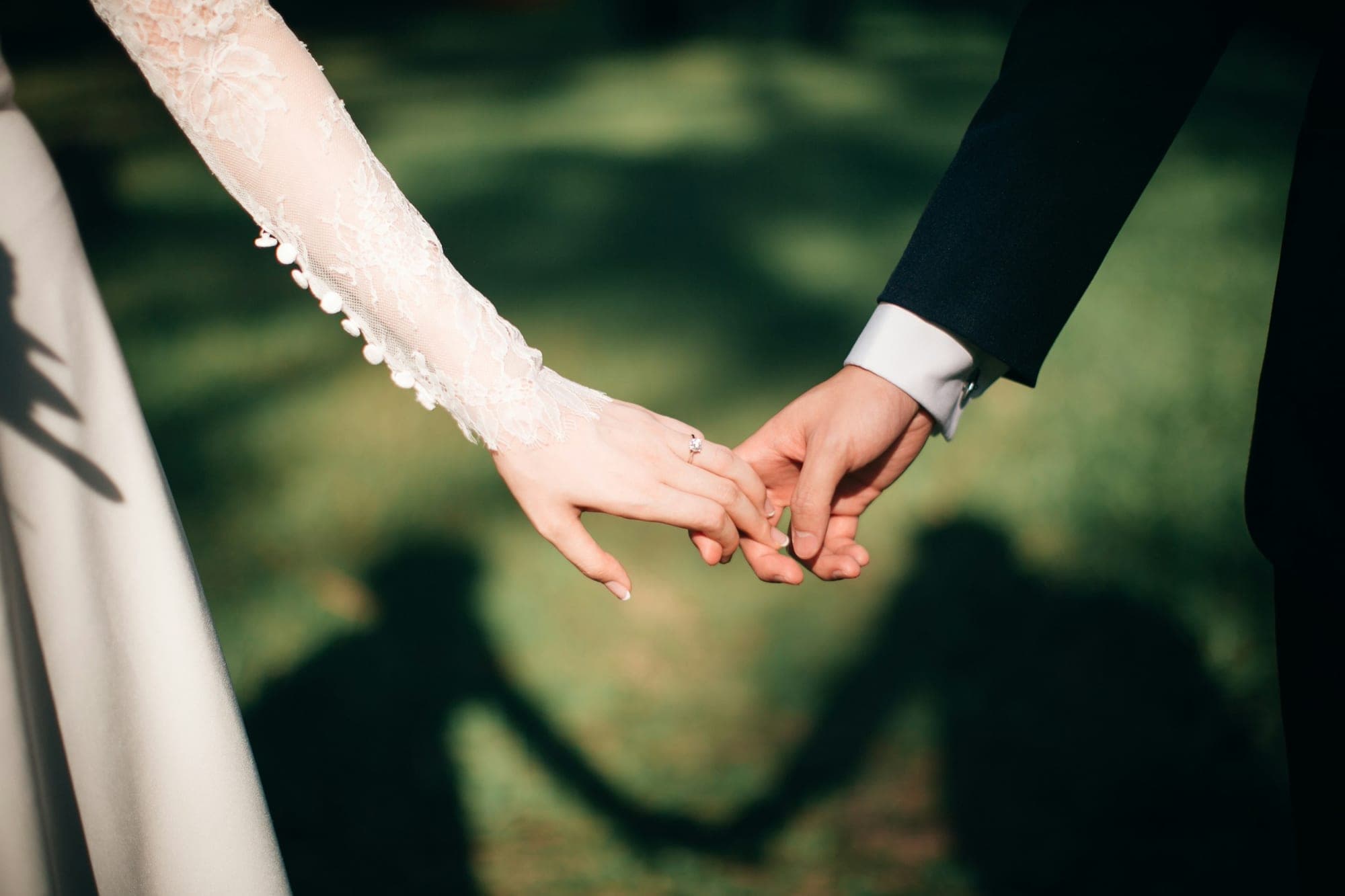
An engagement album has a natural story: how the question was asked, the first reactions, the ring, then the celebrations with family and friends. Lead with the moment itself, even if the photos are a little blurry; they’re the ones people want to see.
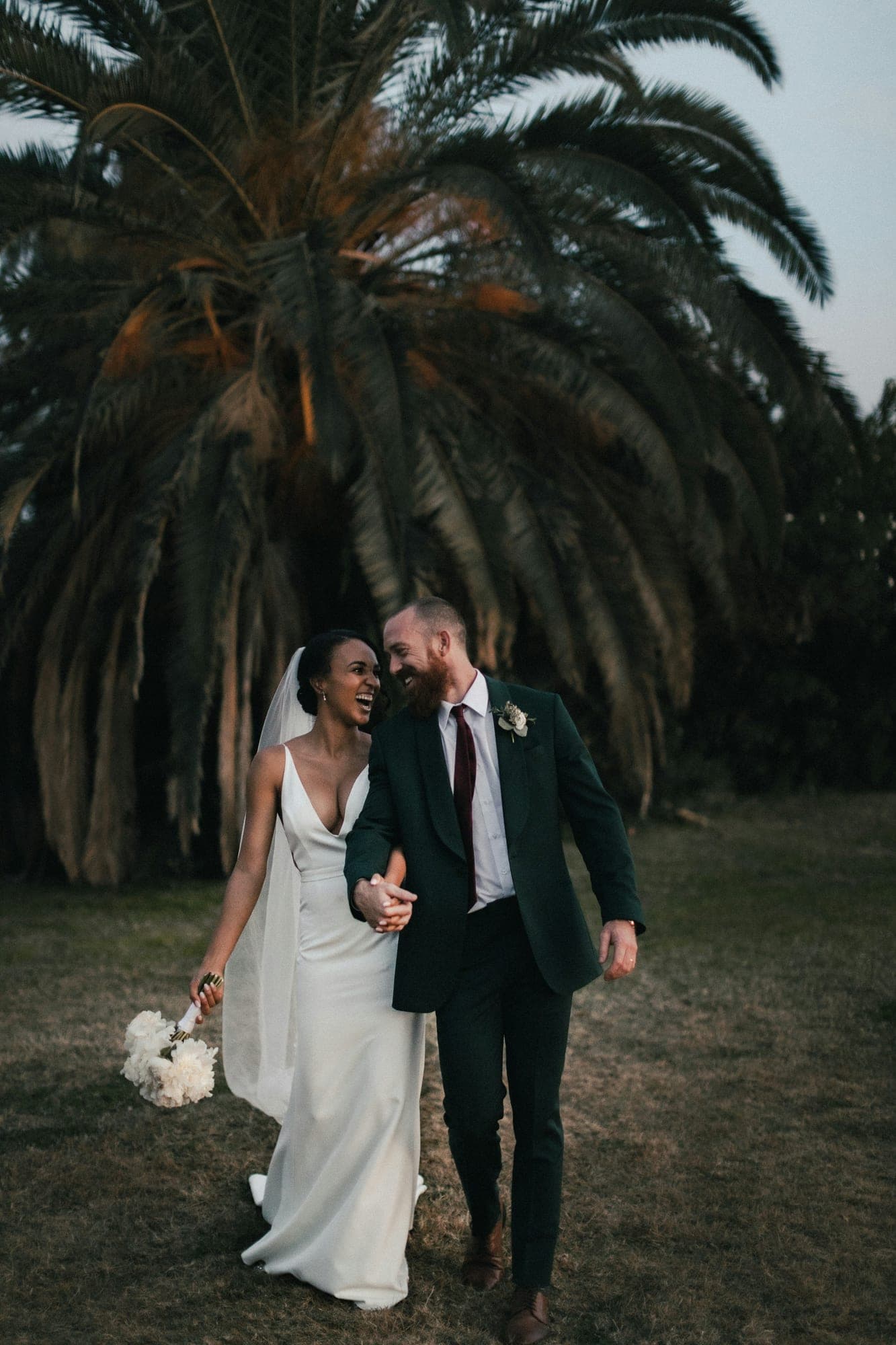
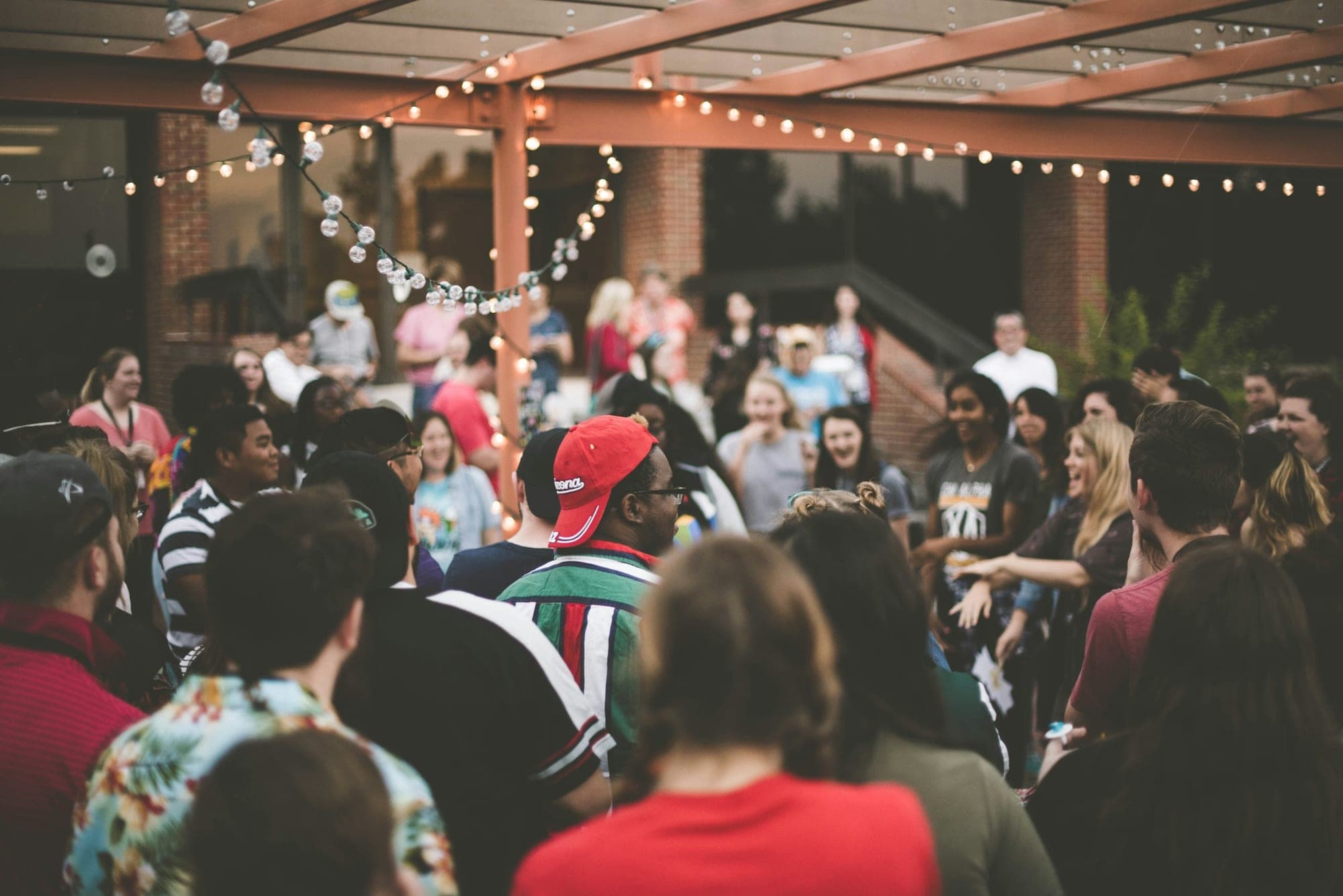
If you had an engagement shoot, use the best portraits as the cover and give them room with full-photo pages. Add the engagement party at the end, and open the guestbook so friends can leave their congratulations next to the pictures.
Why ImageAlbums
Your album opens in any browser, looks right on phones and stays out of search engines unless you choose otherwise.
Captions and a story layout let you share the proposal as it unfolded, not only the ring close-up.
Grandparents, cousins and friends abroad all open the same album, without an app.
Reuse photos on the wedding website, or later make a printable engagement photo book as a gift.
How it works
Collect proposal photos from whoever captured them, plus the shoot and the party.
Start from the wedding layout with a full-photo cover, then make it yours.
Send one link to family and friends, or add the QR code to your save-the-date.
FAQ
Yes. Albums are unlisted by default, and you can add a password or keep an album private while you get it ready.
Yes. Open the guestbook and friends can leave a message under the photos; you approve each one.
Yes. Link to it from your wedding website or print its QR code on your save-the-date cards.
Explore more occasions
One album for the proposal, the photos and the people who celebrated with you.
Start your album