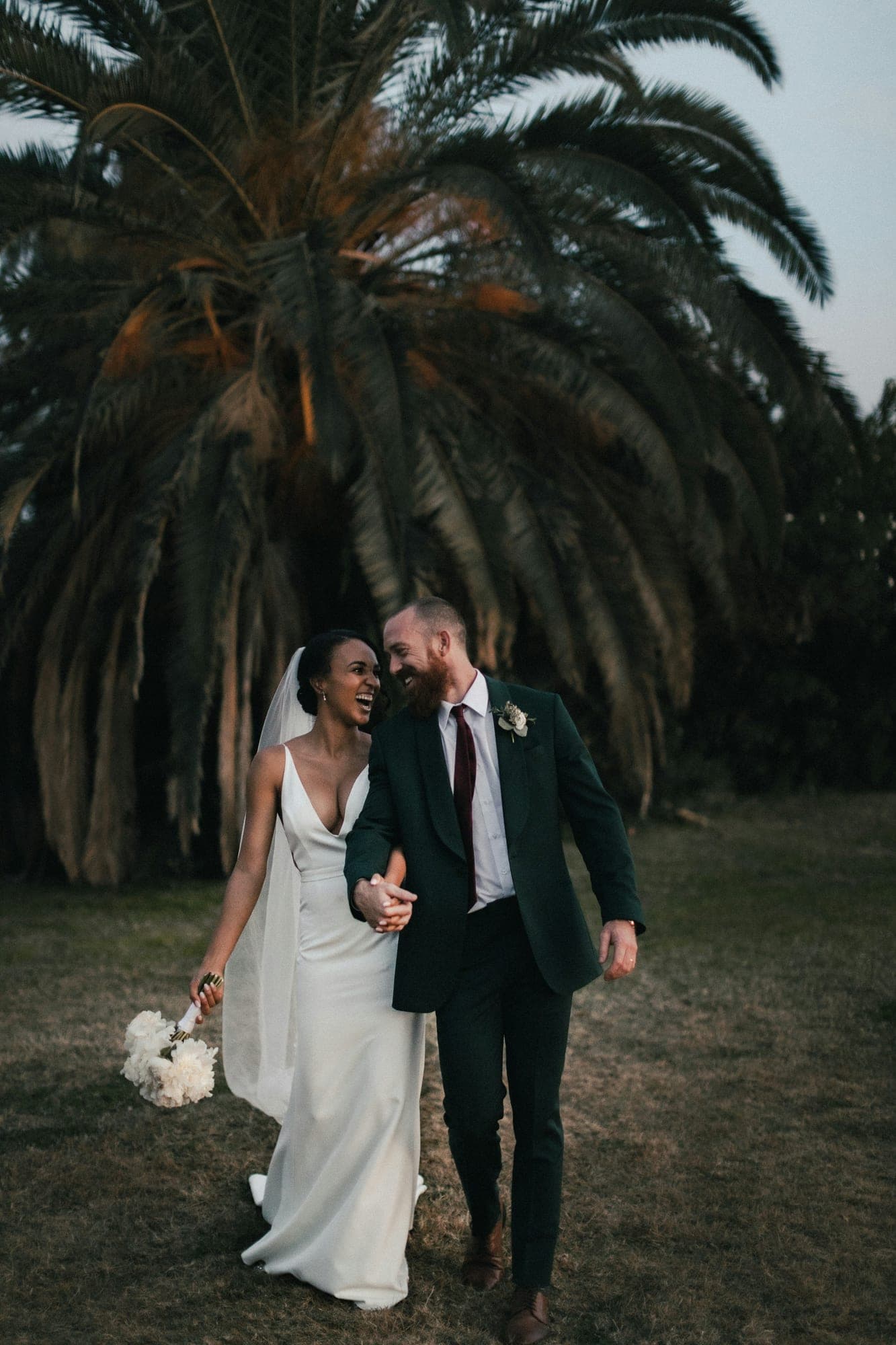
Easy for every guest
Guests open the album in their phone browser, type a message and their name, and send it. Nothing to install, no account.
Messages that live next to the photos
Guests scan the QR code on the tables or open your album link and write a message in seconds. You approve what appears, the messages sit under your photos, and you can print them in a photo book.

Every part of the story
A good album follows the shape of the day. Use these as a starting point for choosing and ordering your photos.
A practical guide
A paper guest book sits on a table near the entrance and catches the guests who happen to walk past it. A digital guest book travels with the QR code: print it on table cards, the welcome sign or the order of service, and guests can write while they wait for dinner, during the speeches or on the drive home.
Messages appear below the photos in your online album, so friends who visit later read the wishes alongside the pictures of the day. Because nothing is written by hand, nobody struggles to read a signature, and the book never gets left behind at the venue.
If you still want something to hold, make a printable photo book from the album. It includes a guestbook page with your guests’ messages, set in the same theme as the rest of the book.
Why ImageAlbums
Your album opens in any browser, looks right on phones and stays out of search engines unless you choose otherwise.
Guests open the album in their phone browser, type a message and their name, and send it. Nothing to install, no account.
Turn on approval and every message waits for you. Approve the kind words, quietly skip the rest.
Make a photo book from the same album and your guests’ newest approved messages get their own printed page.
How it works
Add your photos, or start with a cover photo and fill the album after the event.
Switch on the guestbook and approval in the album settings, then print QR table cards.
Approve messages from your dashboard; they appear under the photos for everyone with the link.
FAQ
No. They scan the QR code or open the link in any phone browser, type a message and their name, and send it.
Yes. With approval on, each new message waits in your dashboard until you approve it.
Yes. Make a photo book from the album: it has a guestbook page with your newest approved messages, and you download it as a print-ready PDF.
A free account is needed to open a guestbook, so you can review the messages. Creating the album itself needs no account.
Explore more occasions
Put a guest book next to your photos and let guests sign it from their phones.
Start your album